General contractors
Every project depends on subs, schedules, and changes moving cleanly. We trace how estimating, project management, and accounting share that information, then help connect them.
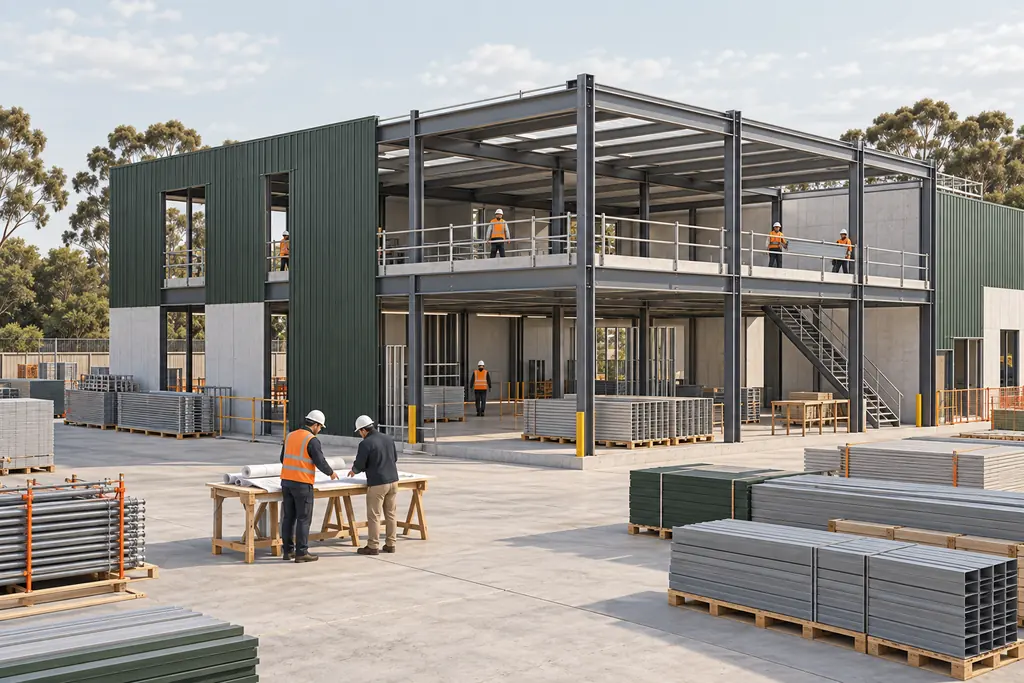
How the work runs
Every project runs through other people's work
Job cost depends on buyout, change orders, and pay applications moving between the field, the project team, and accounting. When each lives in its own system, committed cost can trail the job.
Systems we often see
- Estimating
- Project management (Procore or similar)
- Construction ERP (Sage, CMiC)
- Document control
Where the work gets stuck
- 01
Committed cost runs behind
Sub commitments, change orders, and slow payables can leave reported cost behind the work in the field.
- 02
Sub paperwork lives in email
Buyout, insurance and compliance documents, and pay apps tracked in spreadsheets and inboxes.
- 03
Budget, schedule, and field drift apart
Across concurrent projects, it's hard to see which job is slipping until it has.
- 04
Changes are hard to trace
RFIs (requests for information), submittals, and change orders spread across systems are hard to pull together when a question comes up.
One handoff, step by step
Who receives an approved change, and where is its cost reflected?
- Step 1, Project manager, in Project management: Logs the owner-approved change against the contract.
- Step 2, Project manager, in Email: Issues the revised scope to the affected sub.
- Step 3, Subcontractor, in Document control: Signs the change to their commitment. Then a check: Signed change returned? If not, the sub is chased for a signature.
- Step 4, Accounting, in Construction ERP: Updates committed cost and the next pay application. Re-keyed by hand from the previous system.
- Ends with: Pay application updated.
A typical sequence to show the kind of handoff we map. Not a client finding.
Recognize this handoff?
Walk us through one of yours.
Client results
Work we've done in this trade


How we help
- Digital Operations AssessmentMap how work moves from preconstruction to closeout, review your systems, and agree what to fix first.
- Software Selection & ImplementationSelect and implement the right construction ERP and project management platform, configured for how you build.
- Software IntegrationConnect estimating, project management, and accounting, designed so committed cost, changes, and billing are entered once.
Talk through your operations
Bring one project that's hard to see clearly. We'll talk through where its cost and changes get stuck.